Brainy AI Kids

Choose Your Course

Pick a course below to start learning on our secure portal at learn.brainyaikids.com.

Important: PLAY! should be studied first. High school only courses are labeled.
Start Here

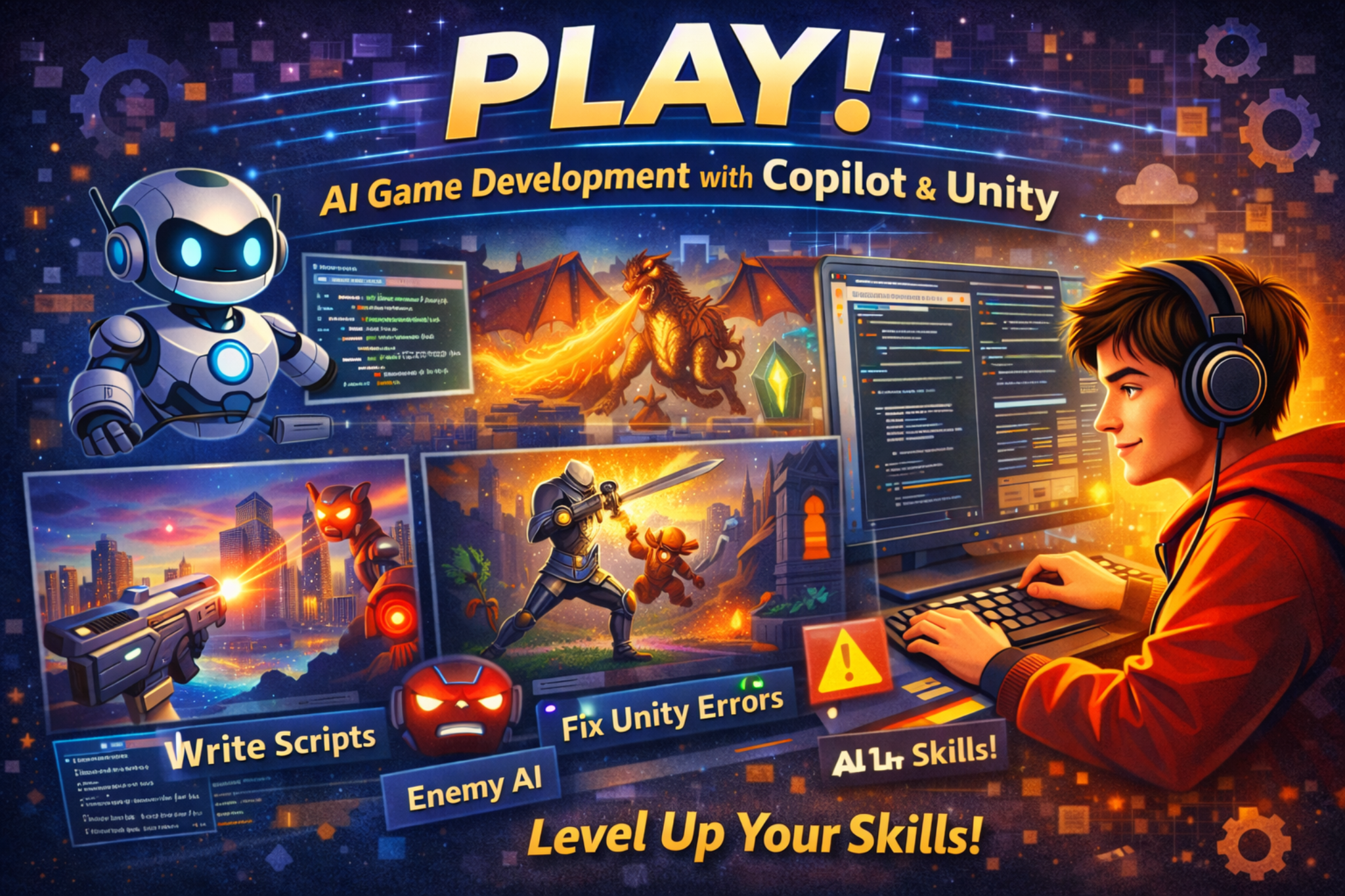
PLAY! AI Game Development with Copilot and Unity

Recommended for: Middle School and up

Start with this course first. Learn how to build games in Unity while using GitHub Copilot to help write scripts, fix errors, and speed up your workflow.
2nd Course

AI Game Pro-ducation

Recommended for: Middle School and up

Learn characters, levels, scoring, player feedback, testing, and how to improve a game step by step.

3rd Course

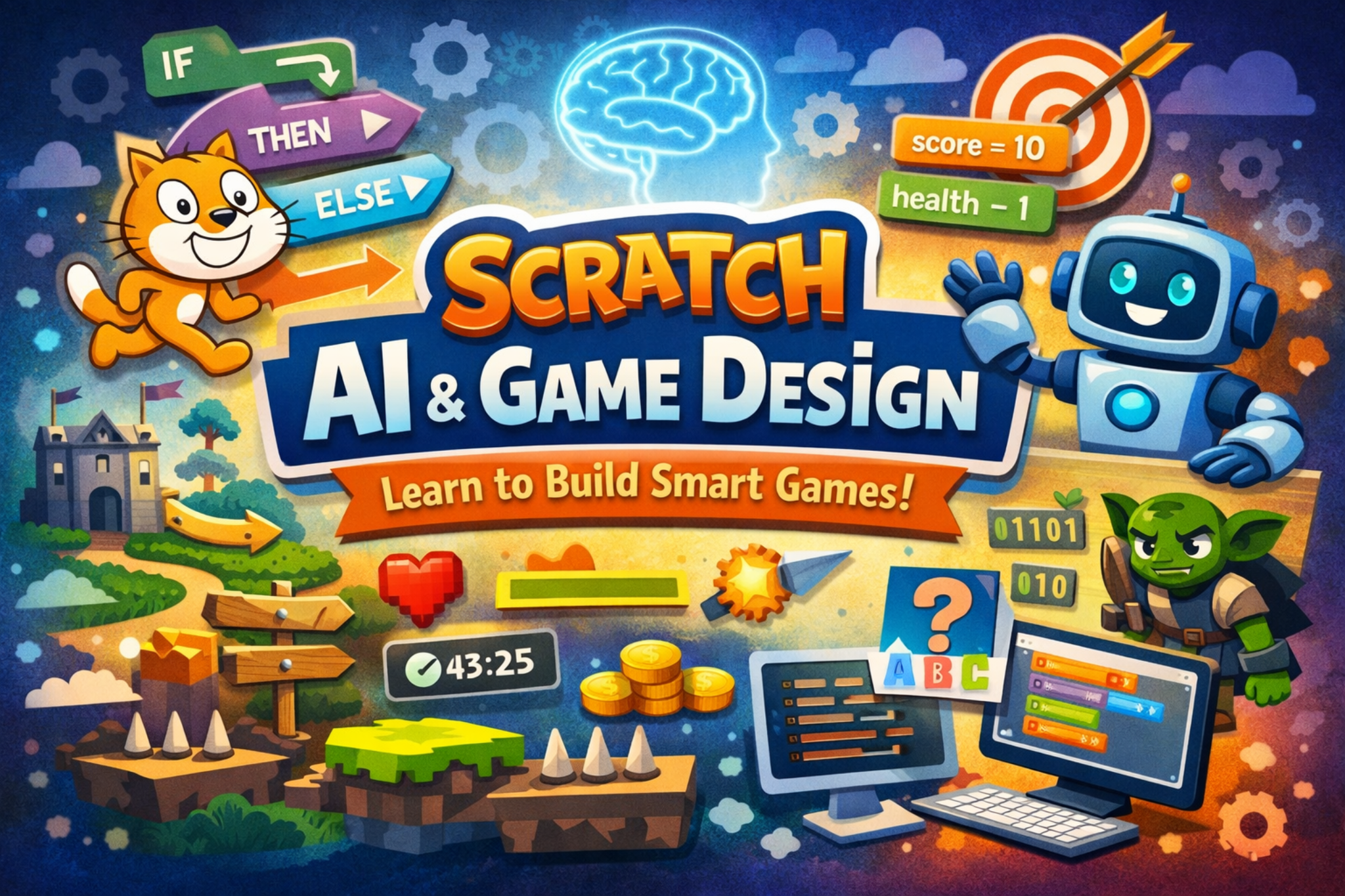
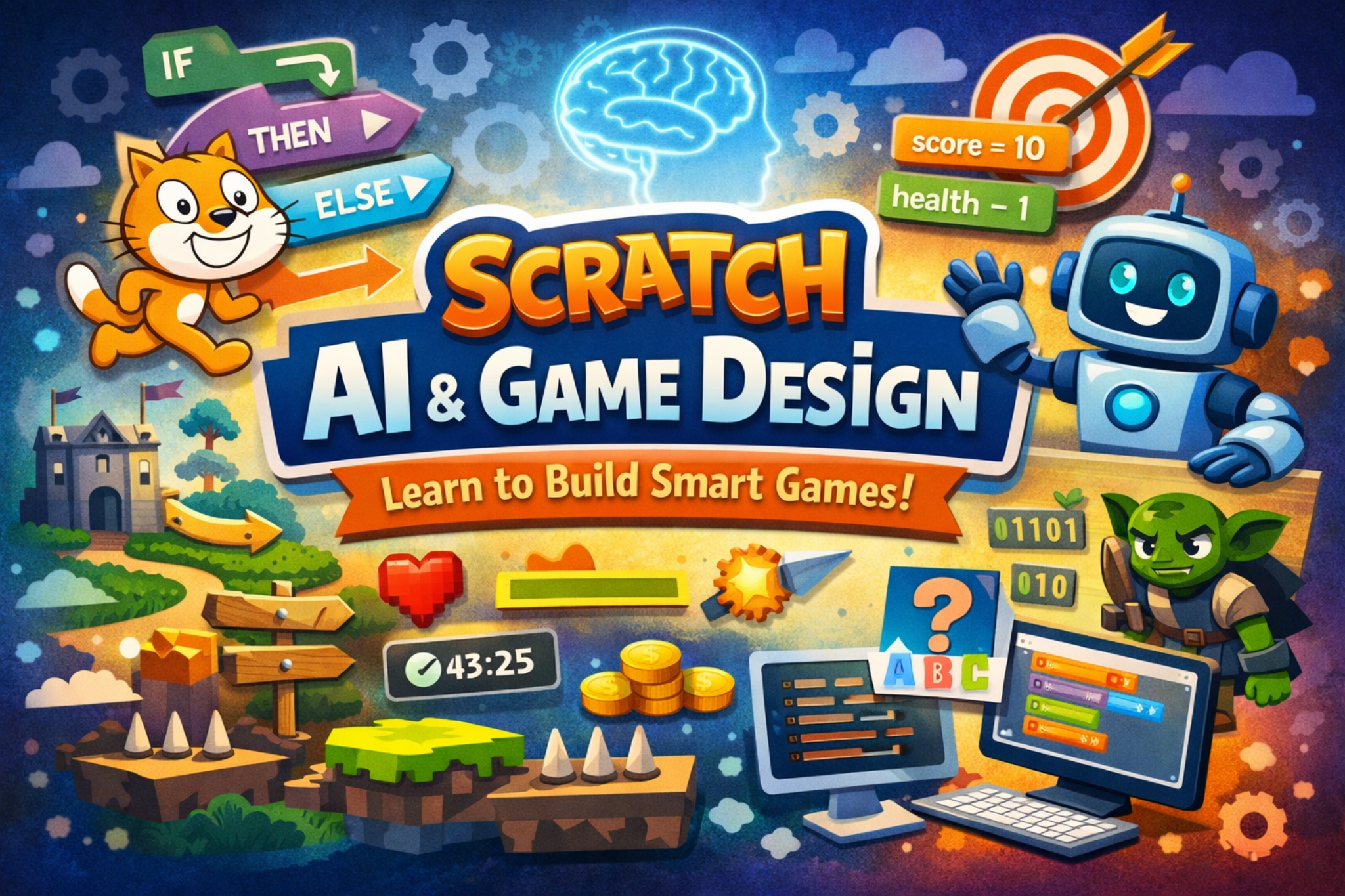
Scratch AI and Game Design

Recommended for: 6th Grade and up

Build smart games in Scratch using movement, collisions, score, health, rules, and decision making.

4th Course

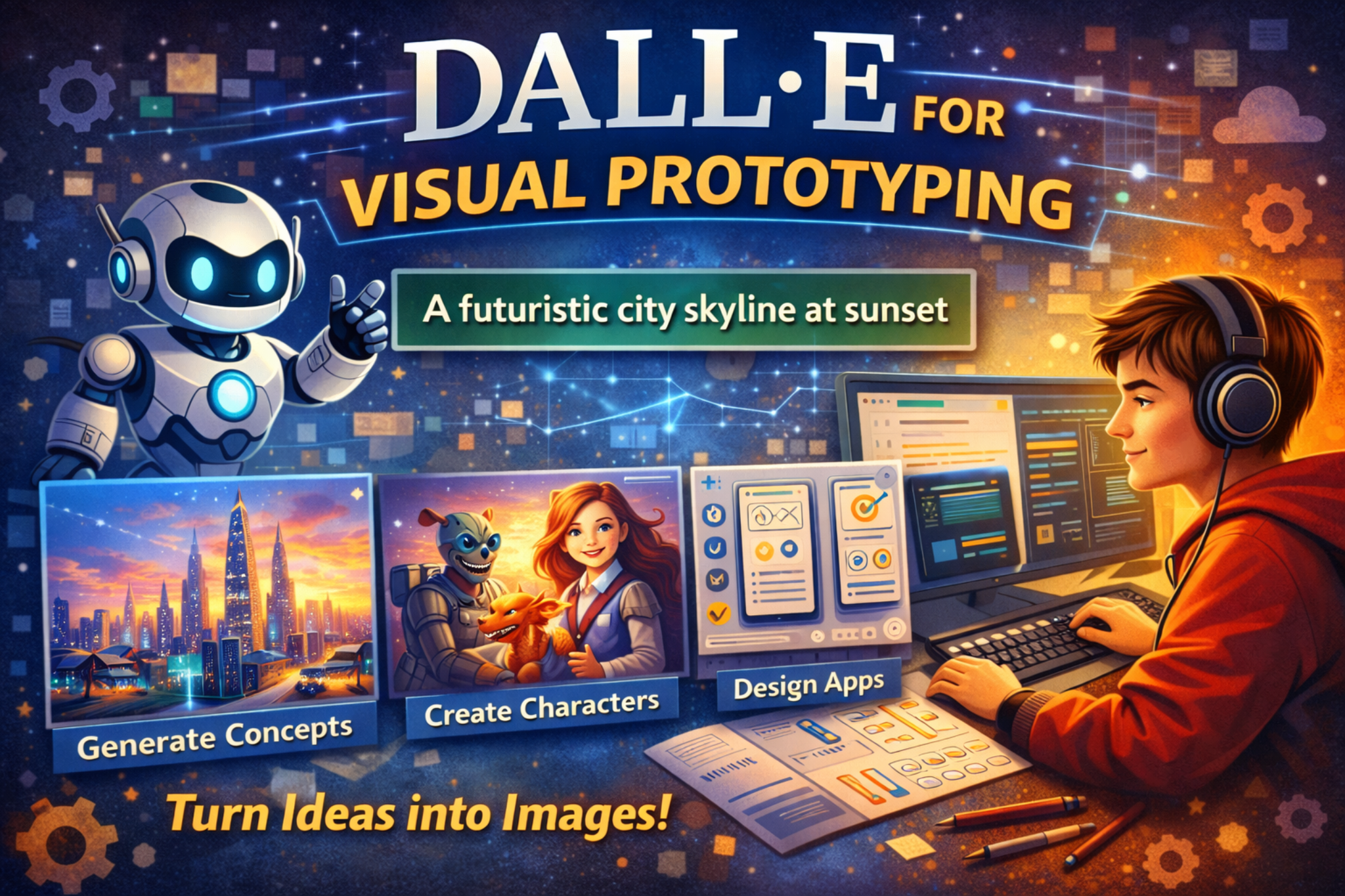
DALL-E for Visual Prototyping

Recommended for: Middle School and up

Turn ideas into images using strong prompts for characters, settings, app mockups, and creative projects.

5th Course

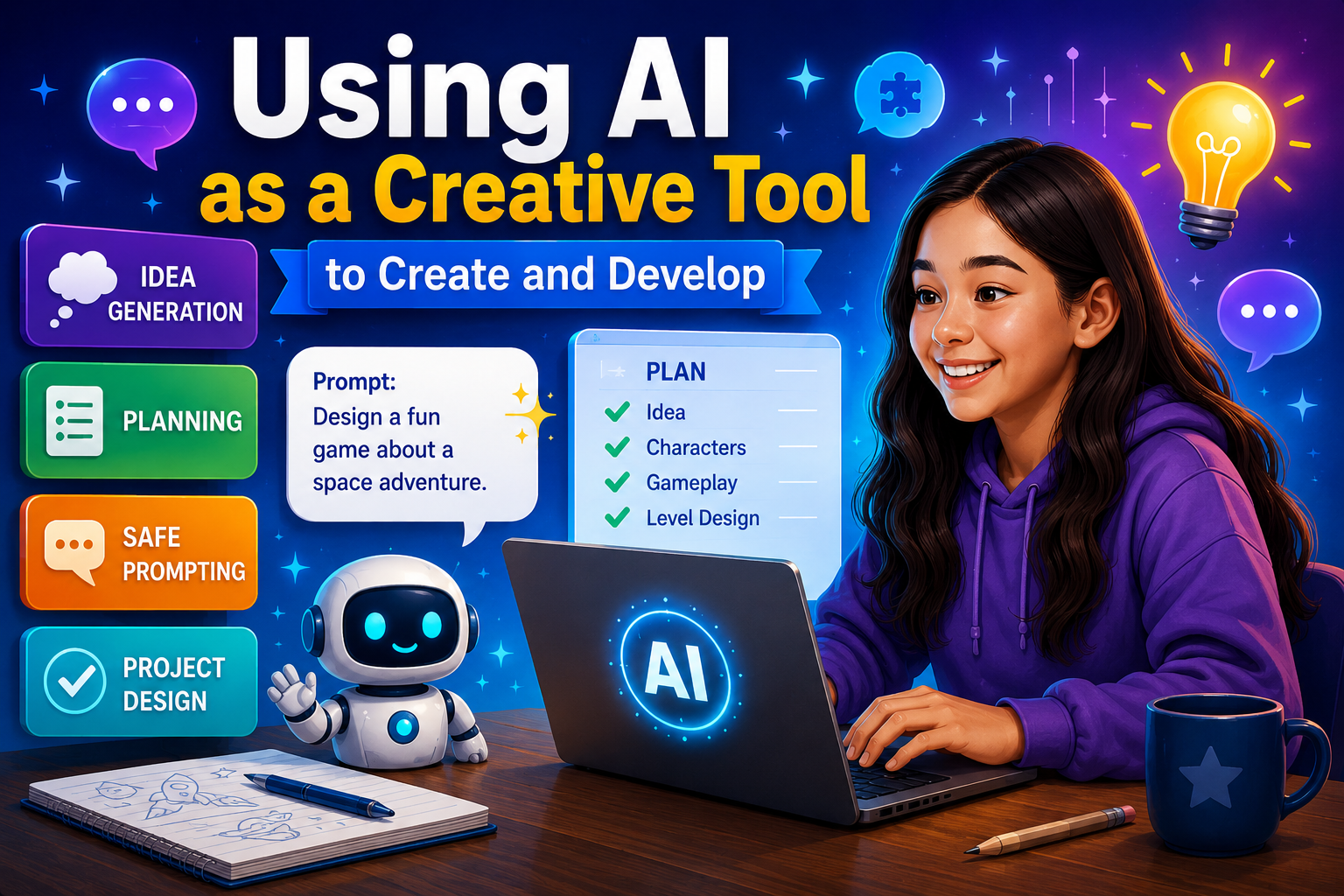
Using AI as a Creative Tool to Create and Develop

Recommended for: Middle School and up

Use AI for idea generation, planning, safe prompting, project design, and turning rough ideas into clear steps.

6th Course

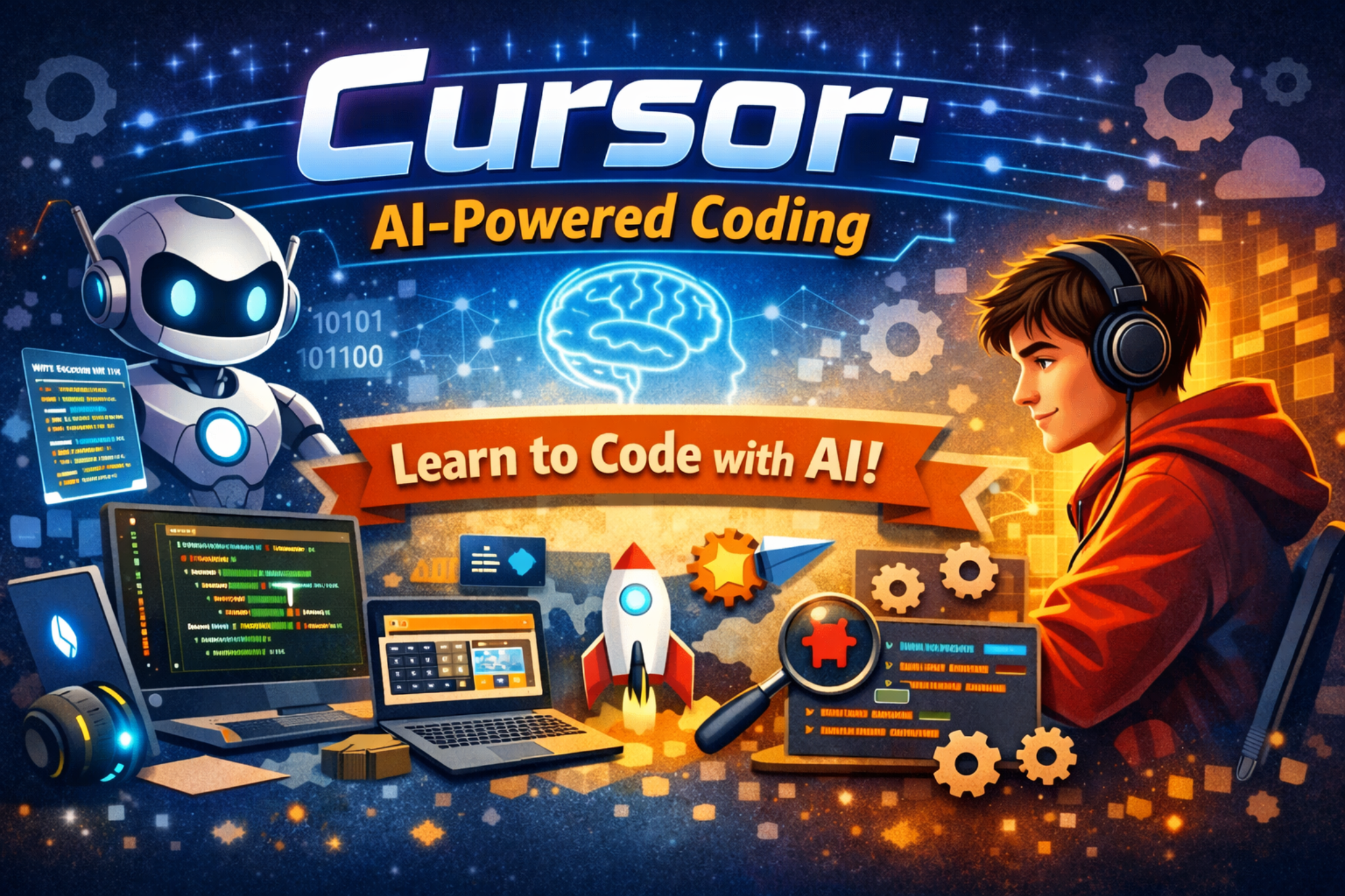
Cursor Coding

Recommended for: Middle School and up

Learn how to code with AI assistance using Cursor. Practice debugging, improving code, and building small projects.

7th Course

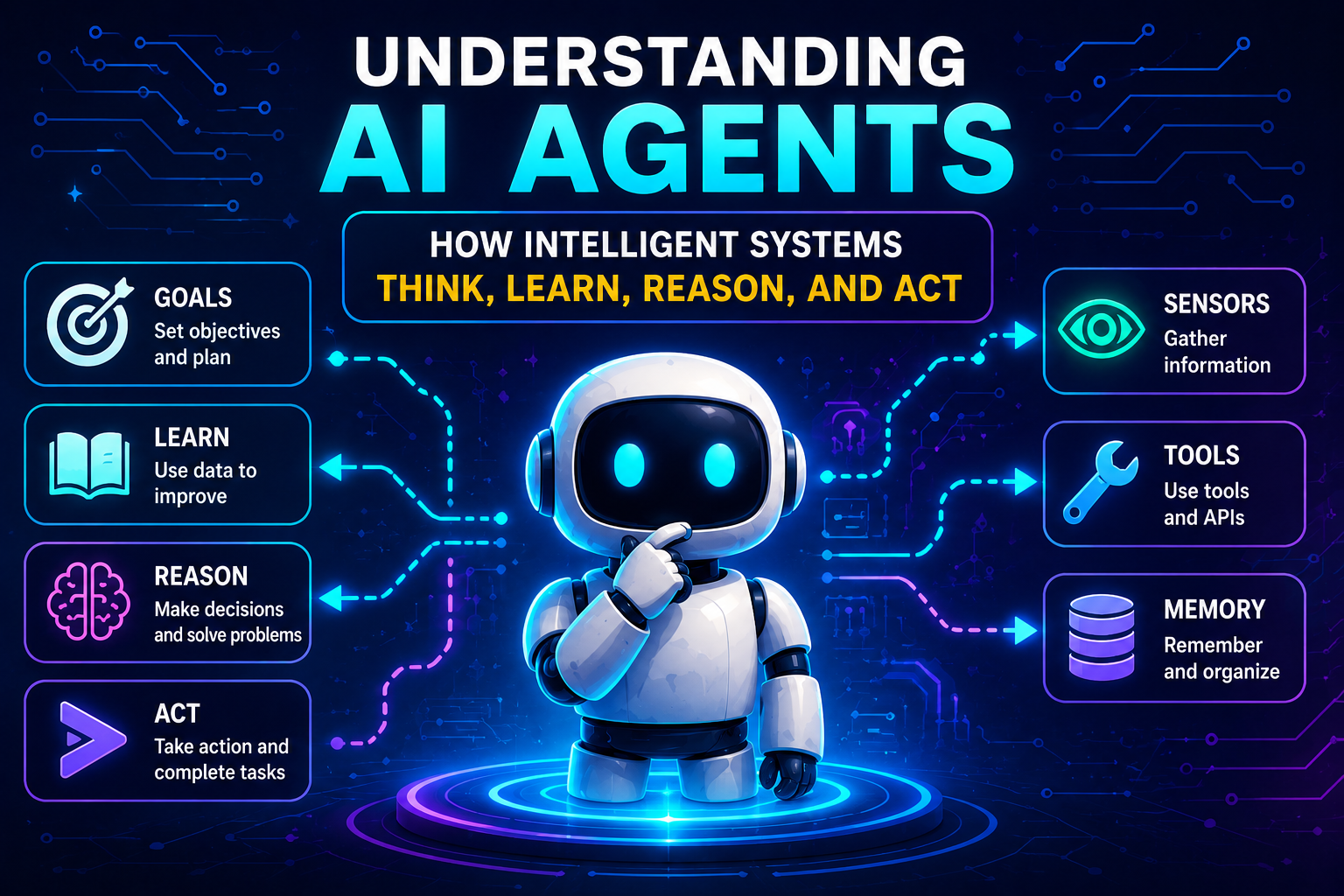
Understanding AI Agents

Recommended for: Middle School and up

Learn what AI agents are, how they follow goals, use tools, make decisions, and complete tasks.

8th Course

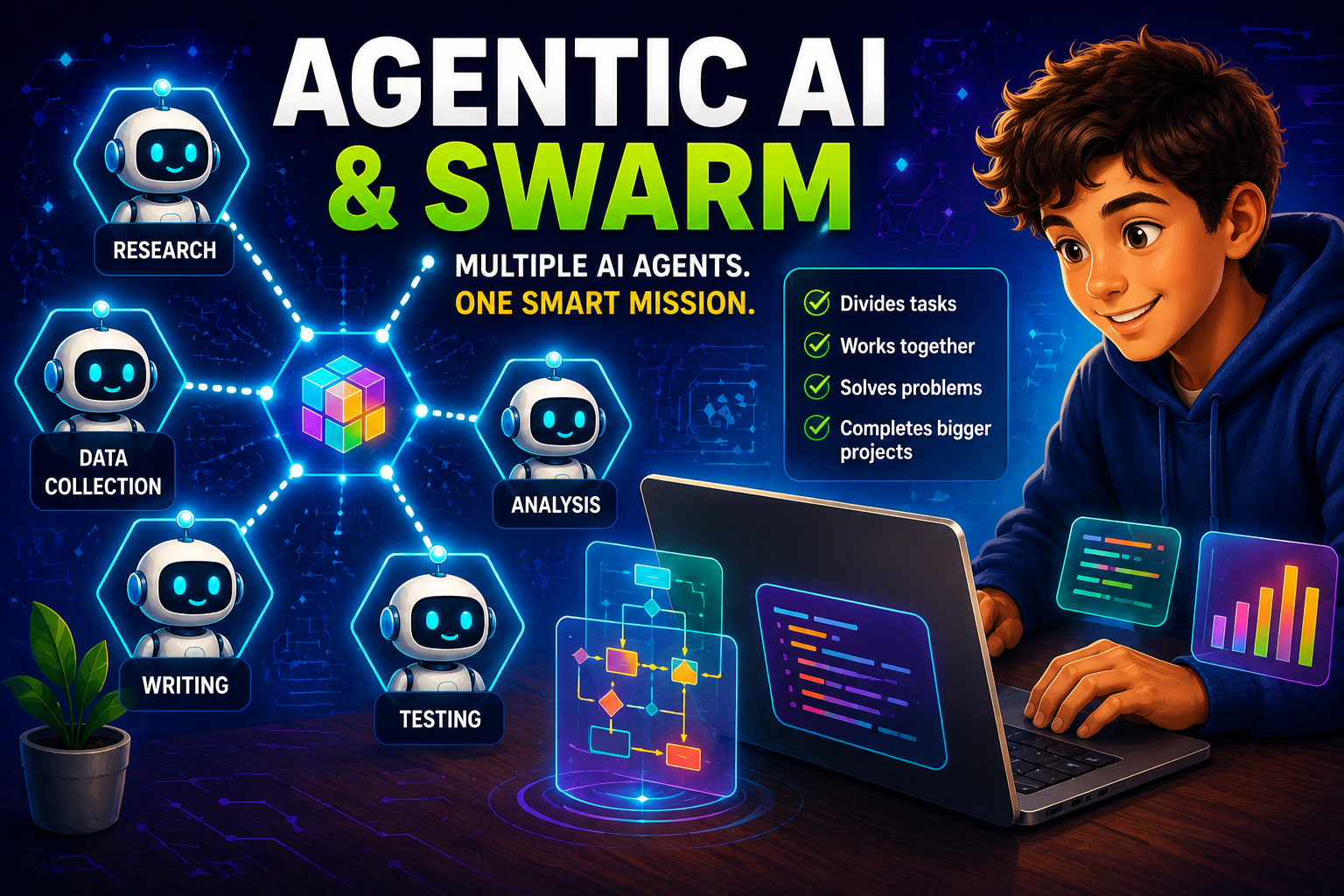
Agentic AI and SWARM

Recommended for: Middle School and up

Explore how multiple AI agents can work together to solve problems, divide jobs, and complete larger projects.

High School Only 9th Course

Notion AI for High School

Recommended for: High School

Use Notion AI to organize schoolwork, write cleaner notes, plan projects, and build a strong student workspace.

High School Only 10th Course

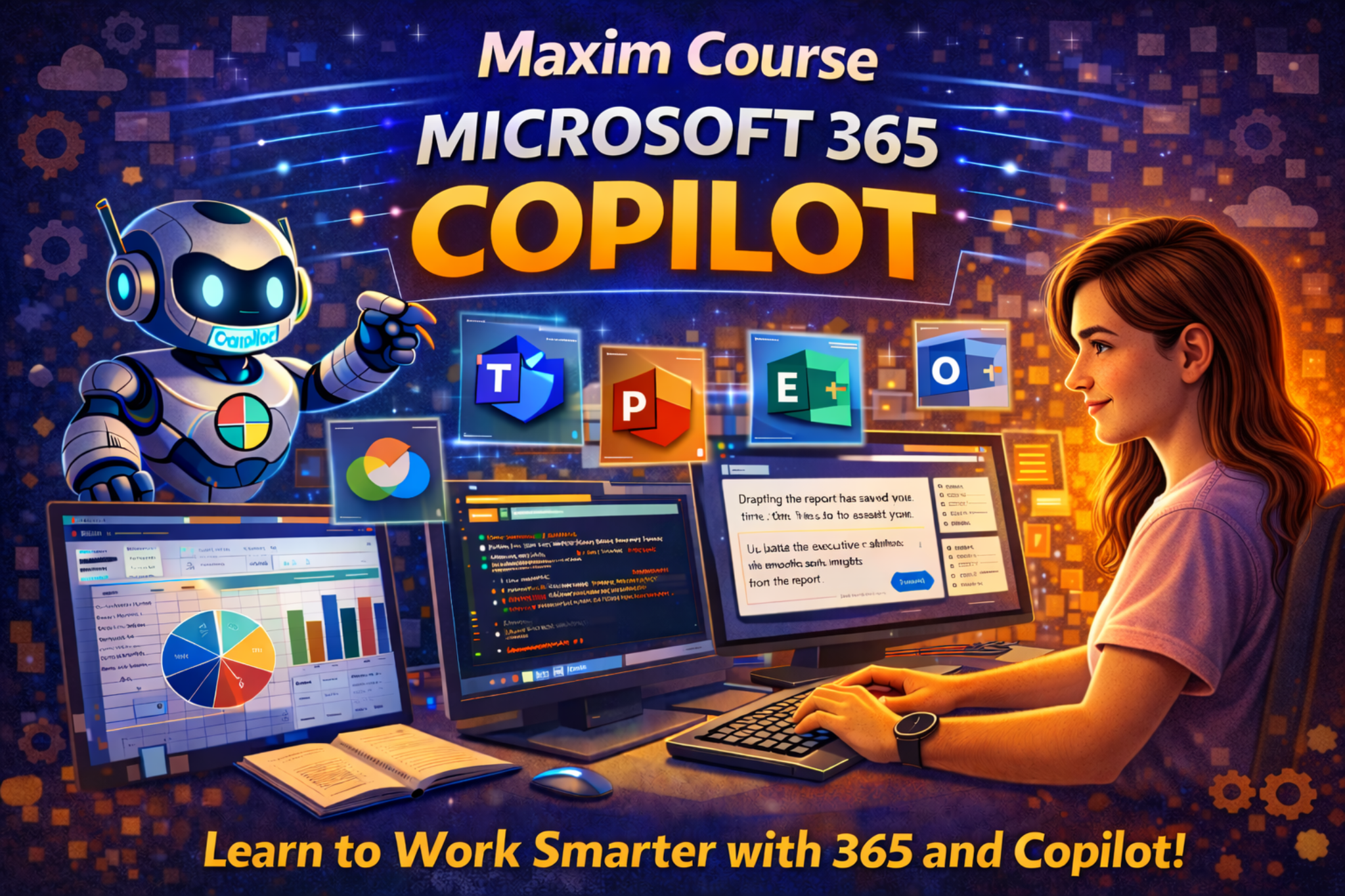
Microsoft 365 Copilot for High School

Recommended for: High School

Learn Copilot in Word, Excel, PowerPoint, Teams, and school productivity projects.